|
| |
| Using CalcuStract, our program for generating inquiry drawings and inquiry specifications, our customers can make quick and easy requests for quotations and inquiry drawings. This service is provided free of charge. |
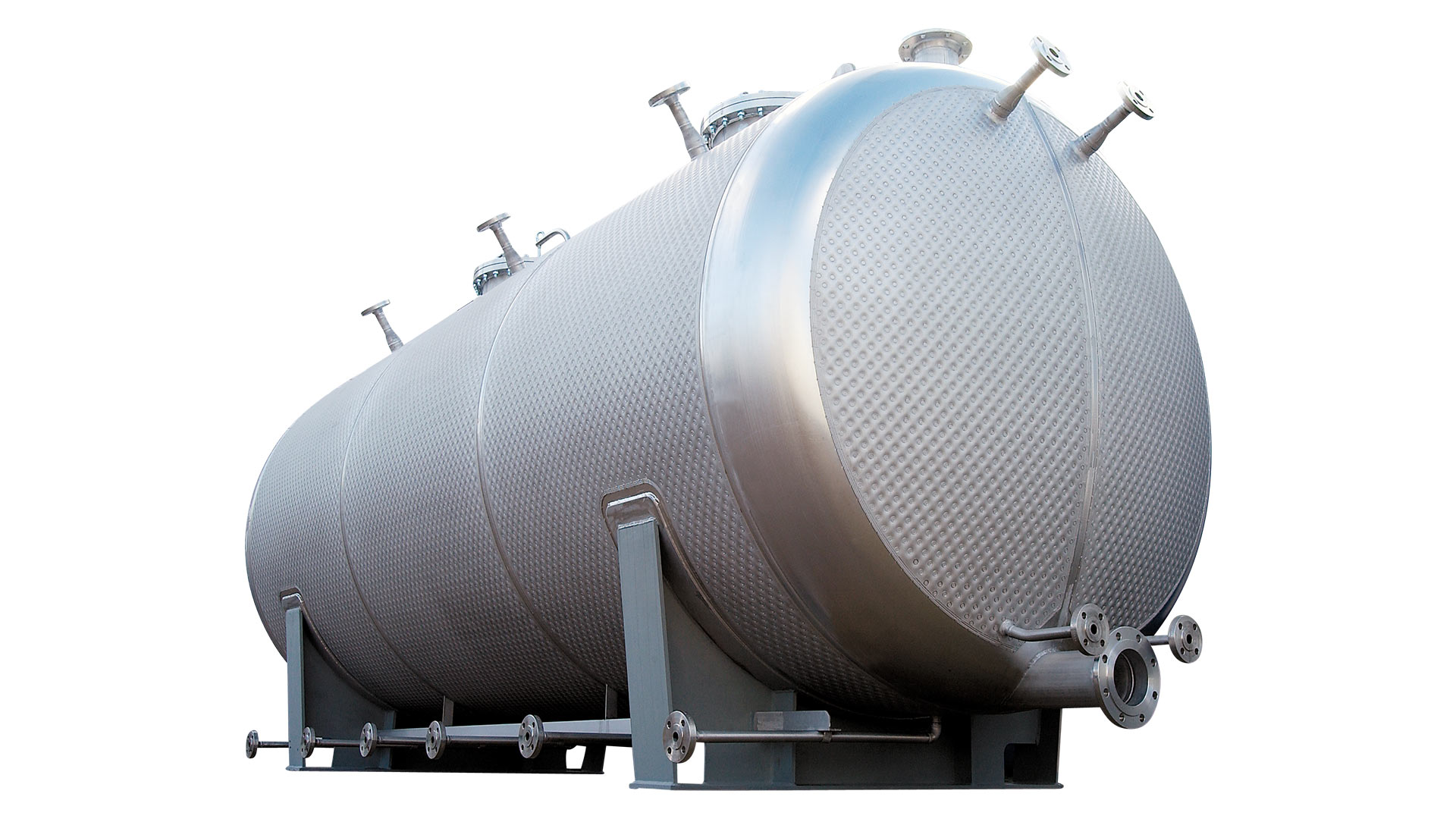
| After clicking the Geometrie (Geometry) menu item you just enter the vessel measurements. Then volume and weight are calculated immediately. At the same time, a full-scale inquiry drawing is generated. We offer you a variety of input parameters, such as height, diameter, upright or lying version with flat, conical or bumped ends, also with inclined underbottom on demand. Not only the type and thickness of the insulation are considered, but also the optional use of the WTP tempering system developed by LOB, as well as half tube coil and double jacket. |
| Currently an integrated wall thickness calculation is not available yet. For this reason you can either indicate a wall thickness or in the Geometrie (Geometry) page click on the field Alle Blechdicken von Lob zu berechnen (All plate thicknesses to be calculated by Lob) and we will calculate the wall thicknesses for you after receipt of your inquiry. |
| Under menu item Flansche (Flanges) you can enter the number and size of the connecting pieces. These can be printed later together with a separate list of connecting pieces and a top view. |
| You can enter all the vessel-specific data (pressure, temperature, material, etc.) via the Anfrage (Inquiry) menu item by clicking your mouse. Further information which are not queried via the existing fields may be entered in the field Bemerkungen (Comments). |
| For printing just click on the Drucken (Print) menu item. In the print window you can select whether to print the geometry page (Geometrie), the inquiry specification (Anfrage), the flange page with top view (Flansche) or all the options. |
| When you do not want to submit the inquiry you do not need to enter your data (Absender). |
| However, if you want to send us your inquiry via the Anfrage (Inquiry) menu item, please enter your contact data. |
| To generate a PDF file you will need an additional program such as Adobe Acrobat or PDFMailer. If you do not have such a program, you can install file PDF995 free of charge and use it for that purpose. PDF files can be printed via the Drucken (Print) menu. Just choose one of the above-mentioned programs as a printer. |
| If you want to inquire several similar vessels one after the other, you can use the Behälter bearbeiten (Edit vessel) item after printing. In this case the data you entered before are preserved. |
| Such a program can only be expanded and optimized in close cooperation with you, our customers. Therefore we would like to ask you for your active support. Please send your comments and/or suggestions for change/supplements regarding CalcuStract to info@lob-gmbh.de |
| We thank you for your assistance. Please note that we do not assume any guarantee for the calculations made or their results. |